How to play LibreCorsa
Last checked: · launcher v0.3.0 · Android v0.2.2
Open librecorsa.org/play in a browser with WebGL2, press any key when the loading screen reaches 100%, run the setup wizard, pick a circuit and car, choose Casual, Standard or Full realism, then press Drive. Chrome or Edge is only required if you want wheel force feedback.
From a blank tab to your first race
- Open librecorsa.org/play in Chrome, Edge, Firefox or Safari. The page needs WebGL2 with hardware acceleration; if acceleration is off you will see “3D graphics are off in your browser”.
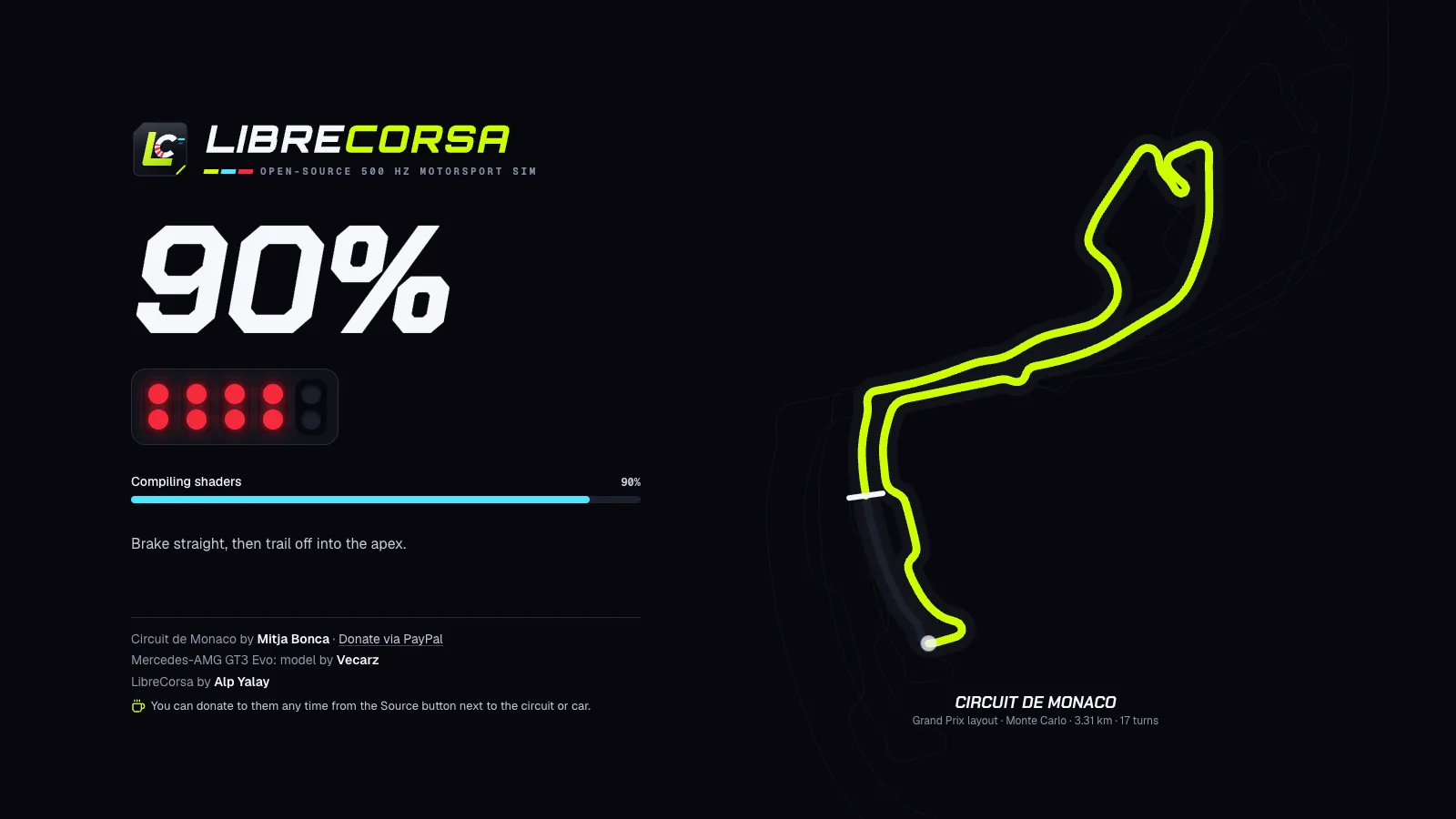
- Wait for the loading screen. It shows a percentage, five start lights and the circuit map drawing itself, plus credits for the circuit and car makers. At 100% it says Press any key to continue; that key press also unlocks sound.
- Run the setup wizard on first launch: choose Keyboard, Controller, Wheel or Touch, calibrate, pick assists, a HUD layout and your driver profile. You can run it again from Settings → Controls → Device → Run setup.
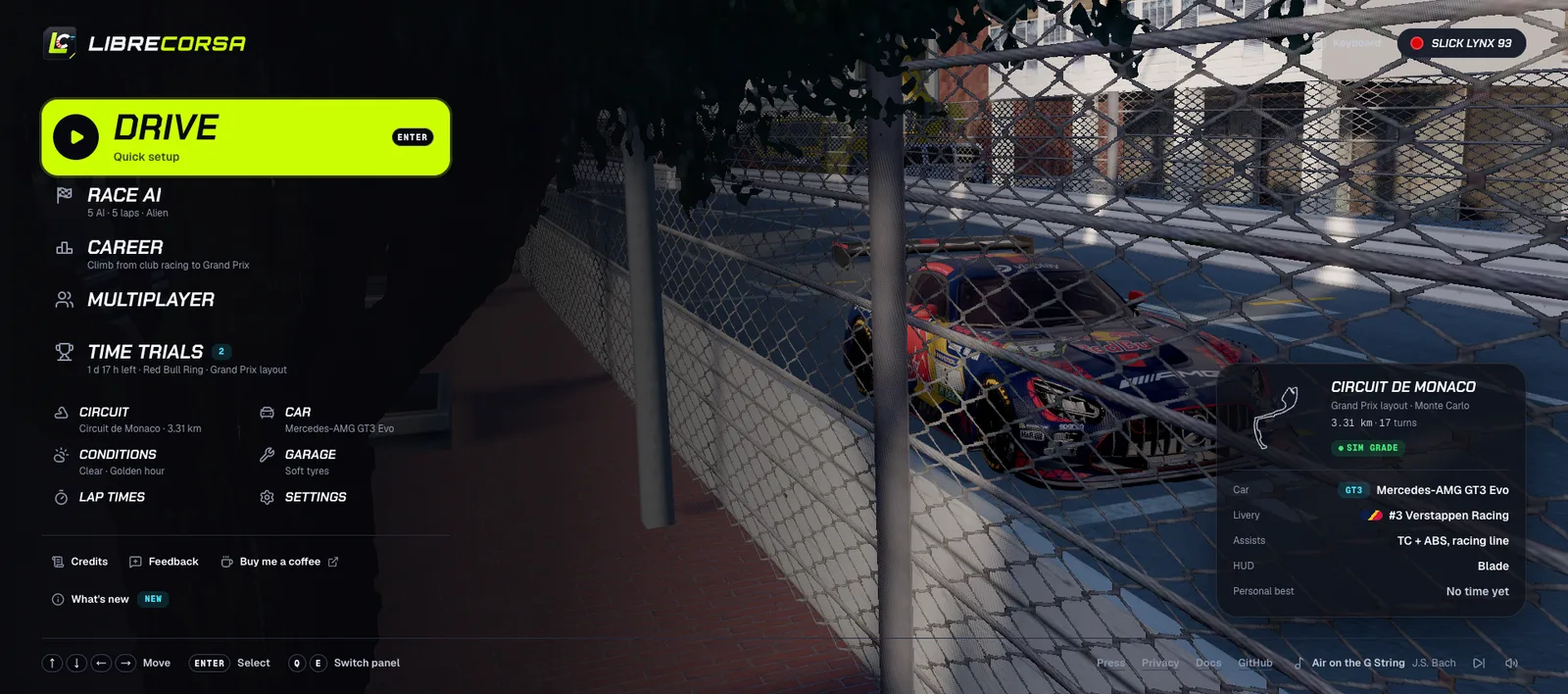
- Pick a circuit and a car from the main menu (Circuit and Car buttons), or jump straight to a car with a link such as
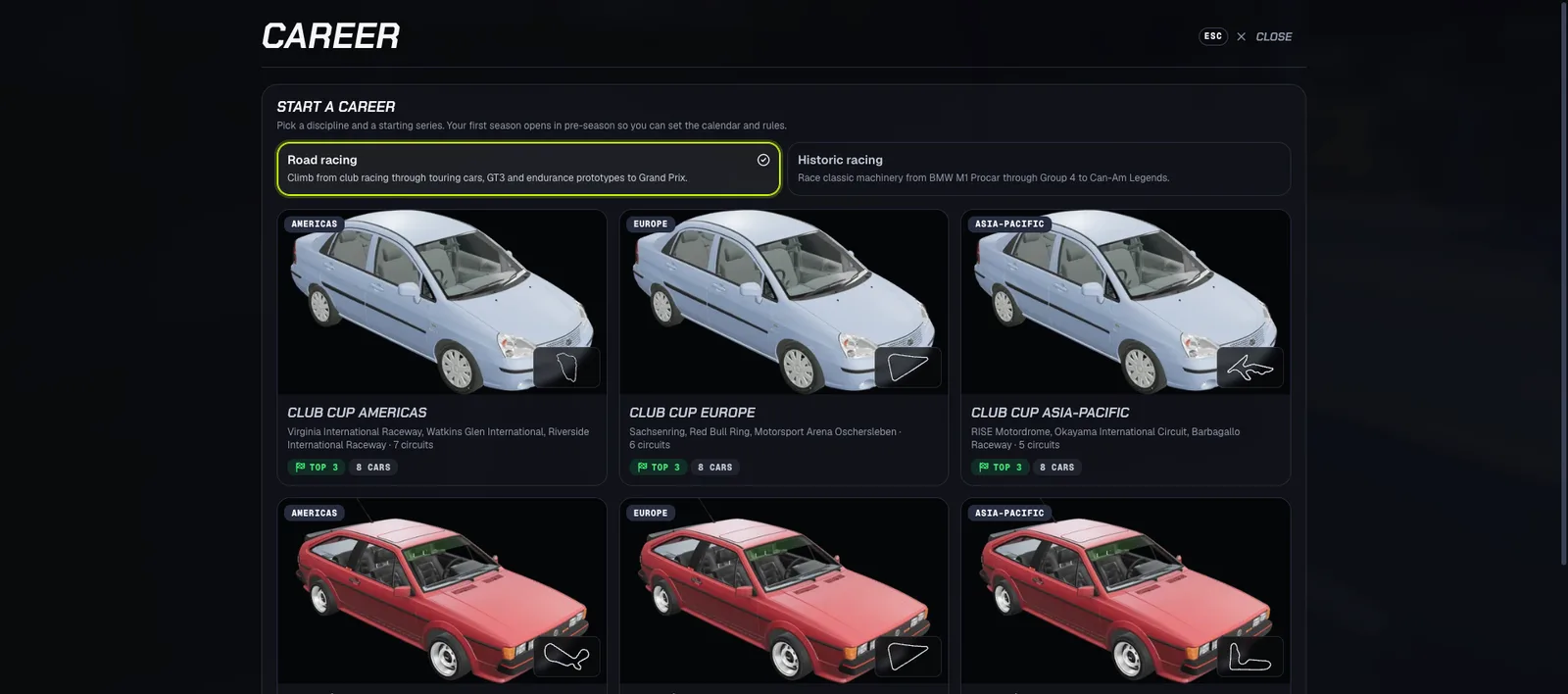
librecorsa.org/play?car=lc26;&track=followed by a circuit id picks the circuit too. - Choose a realism level and assist level (tables below), then press Drive for a solo session, Race AI for up to 11 opponents, or Career for the ladder.
- At the start, Assisted launches hold the car on the grid until the lights go out. Manual starts need clutch and revs; jumping the start costs a 5 or 10 second penalty.
- Use
\for the pit speed limiter. The race ends with a results screen; your best lap goes to the online board if you are on a stock circuit and car.
Realism levels
| Level | Tyre wear | Heat fade | Rain grip loss | Cold tyres and brakes |
|---|---|---|---|---|
| Casual | Off | 25% | 50% | Never cold |
| Standard | 100% | 50% | 75% | Not stated on the Driving page |
| Full (default) | 100% | Full heat model | Full | Yes, warm them up |
Assist presets
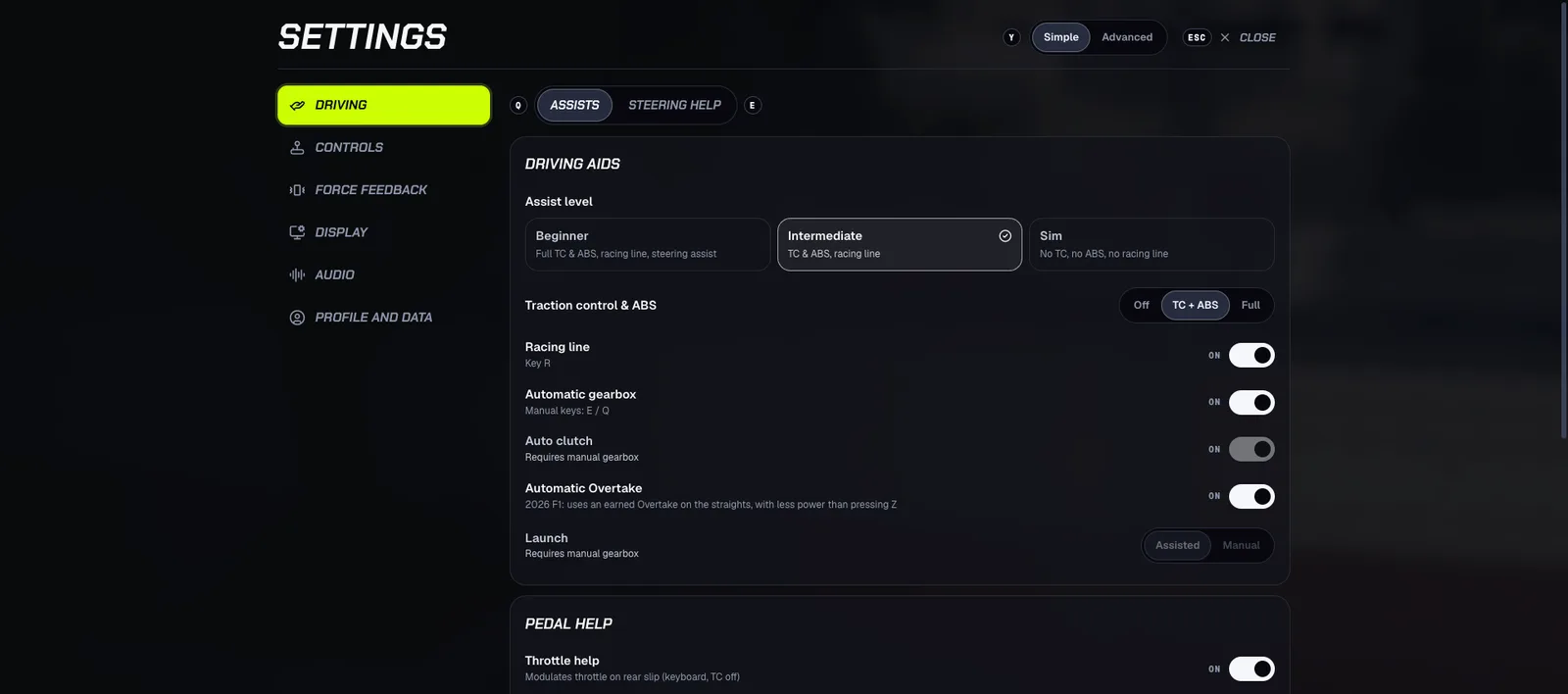
The Driving tab in Settings offers three presets and lets you change each aid afterwards. I started on Intermediate, which the game had pre-selected for a keyboard.
| Preset | Traction control and ABS | Racing line | Steering assist |
|---|---|---|---|
| Beginner | Full | On | On |
| Intermediate | TC + ABS | On | Off |
| Sim | Off | Off | Off |
Known issues on 28 Nov 2026
- Pit lanes: issue #249 reports cars bounced back onto the track or falling through the ground when pitting at Chang, and #254 says almost every circuit’s pit lane has a problem. Both were open on 28 Nov 2026. If a mandatory stop goes wrong, restart the session.
- Black screen or very low frame rate: see Performance.
- Loading stalls: after 25 seconds without progress the game drops that asset and shows “Some assets failed to load. Using fallback geometry.”
Playing on an Xbox or PlayStation pad
There is no console version, but an Xbox or PlayStation controller works in the browser: left stick steers, RT/R2 throttle, LT/L2 brake. On a DualSense in Chrome or Edge you also get adaptive triggers. The controls guide has the full layout list.
Watch it
FAQ
Do I need to install anything to play LibreCorsa?
No. librecorsa.org/play runs in the browser. Apps exist for offline play and Android; see Download.
Which browser is best?
Any browser with WebGL2 runs it. Chrome or Edge add WebHID, which is what wheel force feedback, DualSense adaptive triggers and gyro steering need.
What does librecorsa.ord/play or librecorsa.orh mean?
They are typing mistakes for librecorsa.org/play. The game lives only at librecorsa.org.
Can I skip straight to a car and circuit?
Yes. Add ?car= and ?track= to the play address, for example ?car=lc26 for the LC26 Prototype. ?room= joins a room code and ?lang= sets the language.
Sources
Checked 28 November 2026. Project website, docs and GitHub are one developer source; multiple project references do not count as independent confirmation.
- LibreCorsa docs: Driving: realism levels, assists, 2026 rules, X-mode and Z-mode, career rules; read 28 Nov 2026
- LibreCorsa docs: Controls: key map, controller layouts, wheels, WebHID force feedback and the Windows bridge; read 28 Nov 2026
- LibreCorsa docs: Performance: requirements, quality presets, automatic quality, black screen messages, cache; read 28 Nov 2026
- GitHub issues #249 and #254: pit lane problems at Chang and Qiddiya, still open on 28 Nov 2026
- GitHub issue #254: player pit-lane report; checked 28 Nov 2026
- cuzy on YouTube, 24 Nov 2026: wheel and force feedback first drive, 15:57