LibreCorsa guides
Last checked: · launcher v0.3.0 · Android v0.2.2
Eight guides, each answering one question: how to start, which key does what, how X-mode works, why it runs slowly, how VR, multiplayer and career work, and how to send telemetry to a rig. Each one was checked against the game and its documentation on 28 Nov 2026.
Where to start
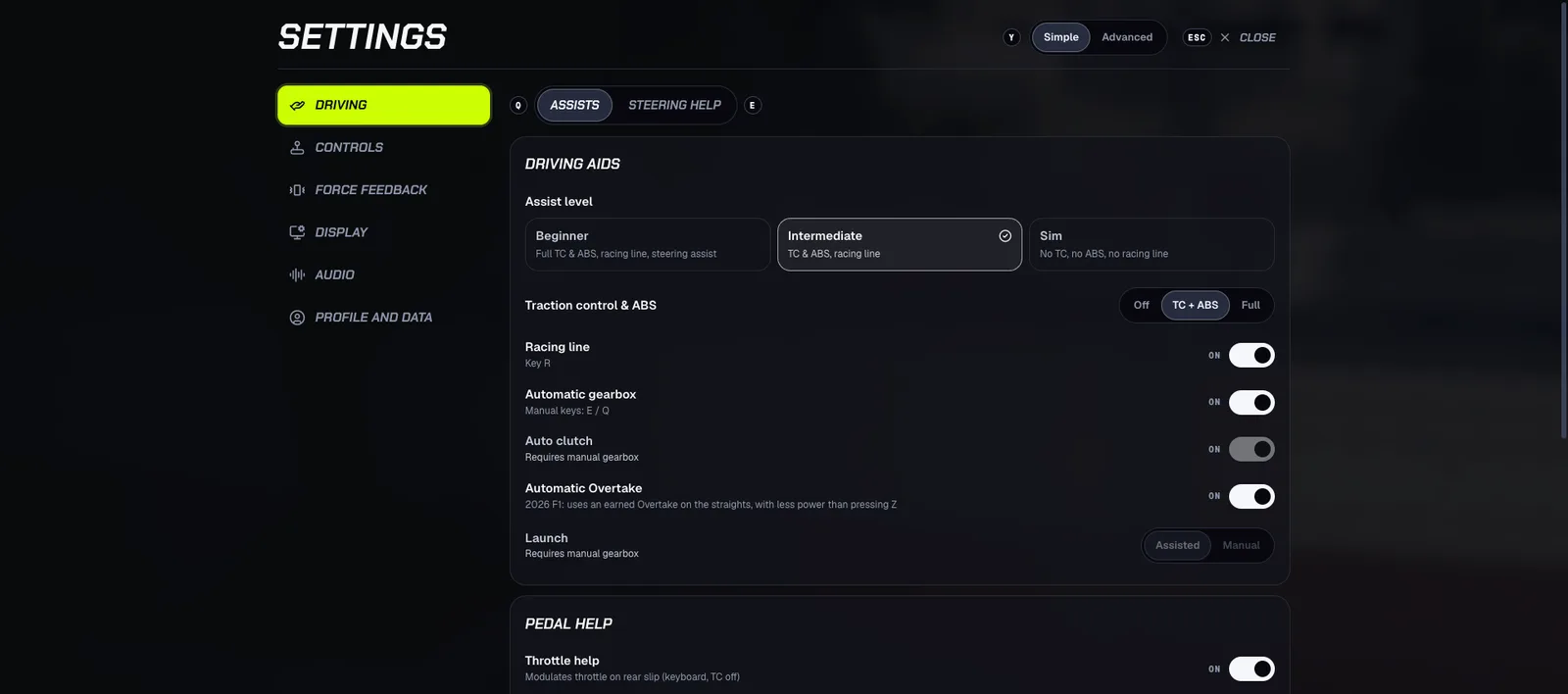
New to the game? Read How to play first: it covers the browser check, the setup wizard, the three realism levels and the standing start. Then set your keys or wheel in Controls.
If the game shows a black screen or runs at a slideshow frame rate, go straight to Performance. Most problems come down to hardware acceleration being off or a preset that is too high for the GPU.
| Guide | Answers | Main source |
|---|---|---|
| How to play | From opening the page to your first race | Docs: Driving, Controls, Performance |
| Controls | Every default key, controller layouts, wheels and force feedback | Docs: Controls; README hardware table |
| X-mode and Z-mode | Which key switches active aero and on which cars | Docs: Driving |
| Performance | Black screen, low FPS, heat on phones, stuck loading | Docs: Performance |
| VR | WebXR on Quest, Pico and PC VR, and its limits | Docs: VR |
| Multiplayer | Room codes, the 20-minute open race, version mismatch | Docs: Online; README |
| Career | Both ladders, promotion places, mulligans | Docs: Driving |
| Telemetry and triple screens | UDP port 20790, SimHub, screen geometry | Docs: Telemetry, Triple screens |
All guides
 How to playBrowser check, setup wizard, realism and your first start.
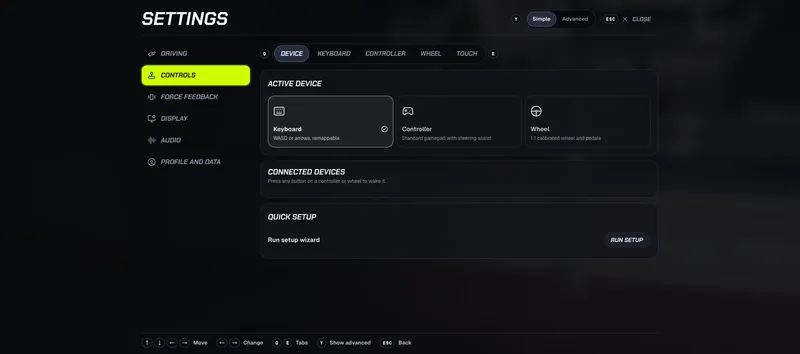 ControlsAll default keys, pad layouts, wheels and force feedback.
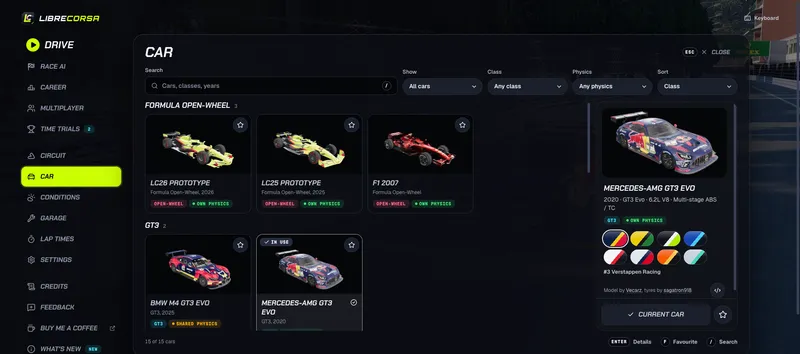 X-modeThe X key, Z-mode vs X-mode and which cars have it.
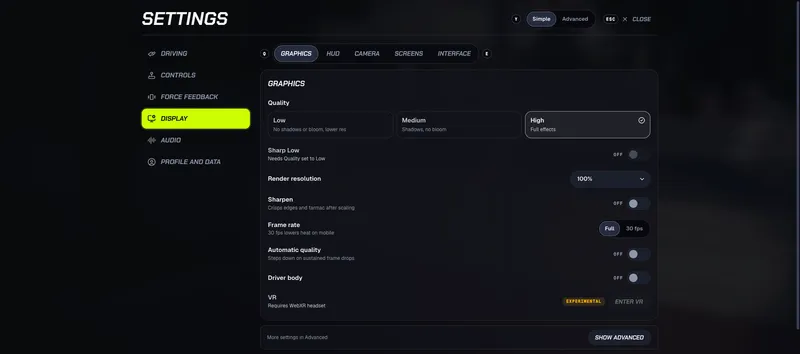 PerformanceBlack screen messages, low FPS fixes and phone heat. VRWebXR on Quest, Pico and PC VR: how to enter it and its limits.
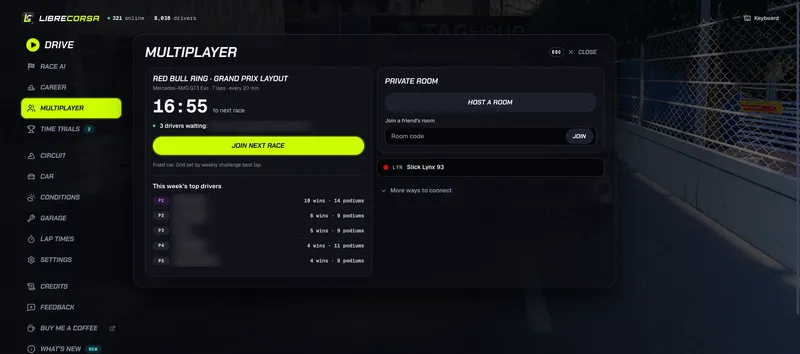 MultiplayerRoom codes, 16-car rooms and the 20-minute open race.
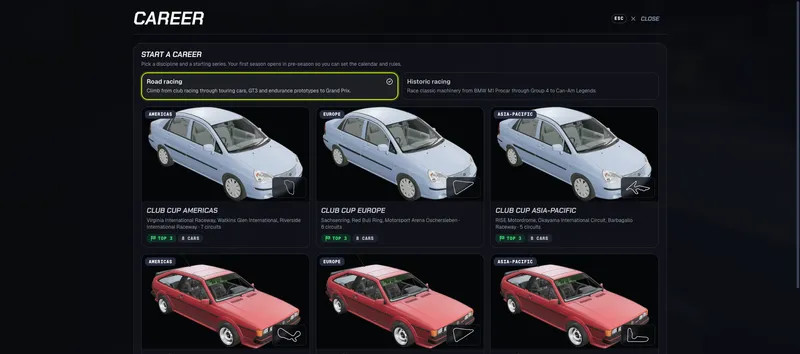 CareerBoth ladders, promotion places, mulligans and AI levels.
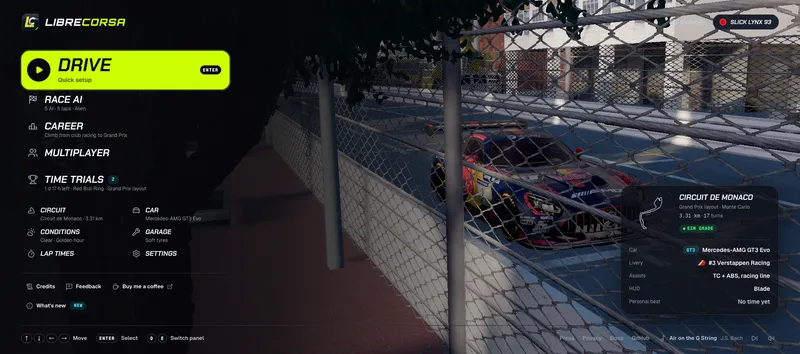 Telemetry and triplesUDP port 20790, SimHub, motion rigs and triple-screen geometry.
FAQ
Do these guides apply to the desktop app too?
Yes. The launcher runs the same game, so keys, settings and fixes are the same. Mods only work in the desktop app; see Mods.
How often are the guides checked?
Weekly against the change log and GitHub releases, and within 48 hours of a release that touches what a guide covers. The date at the top of each page is the last check.
Sources
Checked 28 November 2026. Project website, docs and GitHub are one developer source; multiple project references do not count as independent confirmation.
- LibreCorsa docs: Driving: realism levels, assists, 2026 rules, X-mode and Z-mode, career rules; read 28 Nov 2026
- LibreCorsa docs: Controls: key map, controller layouts, wheels, WebHID force feedback and the Windows bridge; read 28 Nov 2026
- LibreCorsa docs: Performance: requirements, quality presets, automatic quality, black screen messages, cache; read 28 Nov 2026
- LibreCorsa docs: VR: WebXR headsets, entering VR, limits; read 28 Nov 2026
- LibreCorsa docs: Online: rooms, open races, lap boards, accounts; read 28 Nov 2026
- LibreCorsa docs: Telemetry: UDP output, port 20790, bridge command; read 28 Nov 2026
- LibreCorsa docs: Triple screens: screen geometry, True FOV, draw-call cost; read 28 Nov 2026